Choosing a Retail POS System in Malaysia: The Essential Guide for Store Chains
A practical evaluation framework for managing terminal stability, multi-branch stock transfers, and centralized store operations.
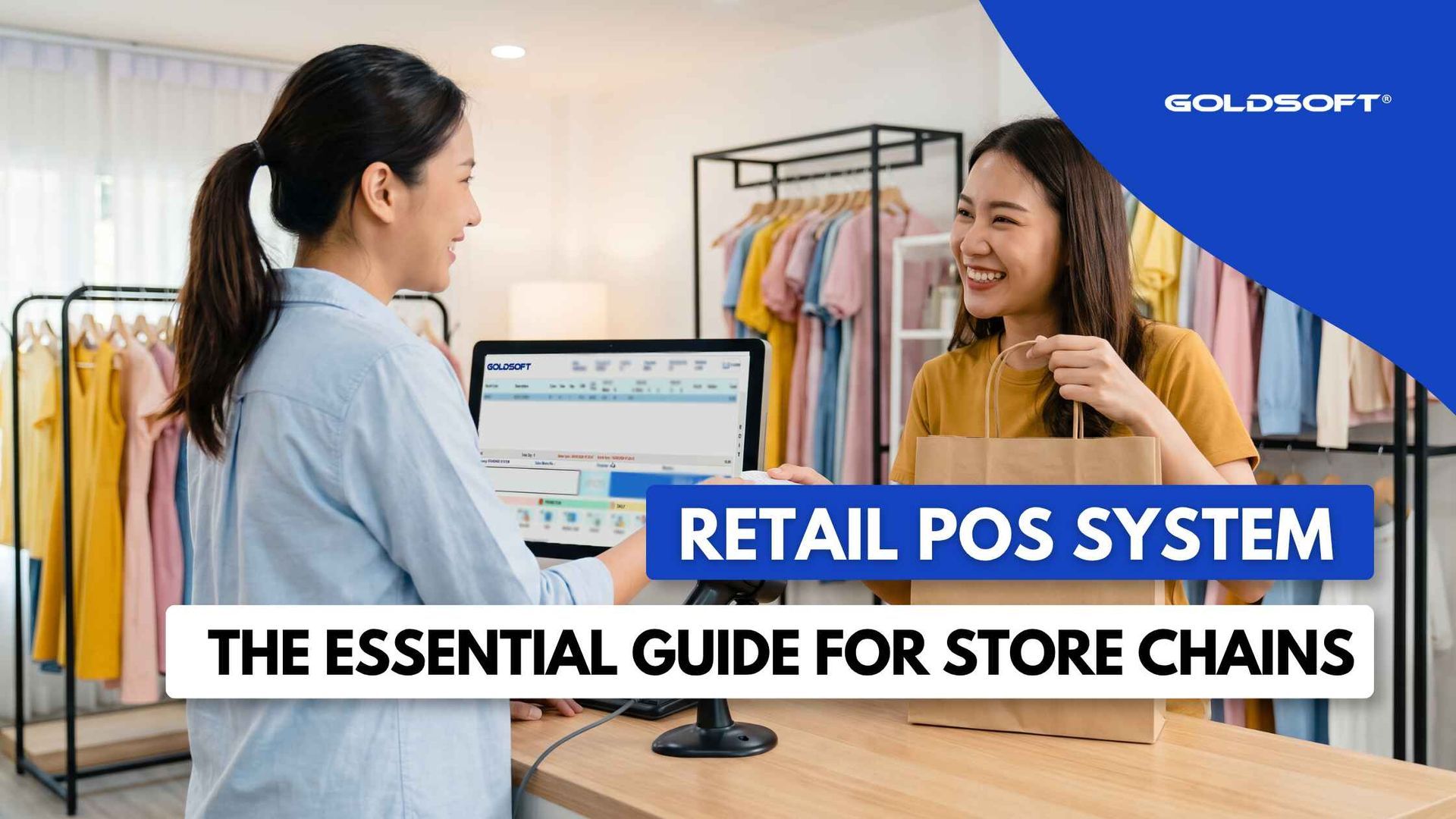
Running a single retail boutique is relatively straightforward. If a customer asks whether a particular dress size or spectacle frame is in stock, the staff can step into the back storeroom and check the rack. If a price changes, they update a label.
Once that business expands to three, five, or ten outlets across different commercial hubs and shopping centers, that simplicity disappears.
Suddenly, your team is dealing with stock imbalances between locations, staff calling other outlets to locate inventory, and store managers setting up local discounts that head office never approved. At that stage, a point of sale terminal can no longer function as just a digital cash register. It has to act as the front-line operational terminal of a coordinated retail network.
For high-inventory retail chains in Malaysia, such as apparel, optical, furniture, and specialty department stores, choosing a point of sale system requires looking far beyond touchscreen layouts and basic receipt printing.
Here is an objective framework for evaluating a retail system capable of supporting multiple store locations without creating operational bottlenecks.
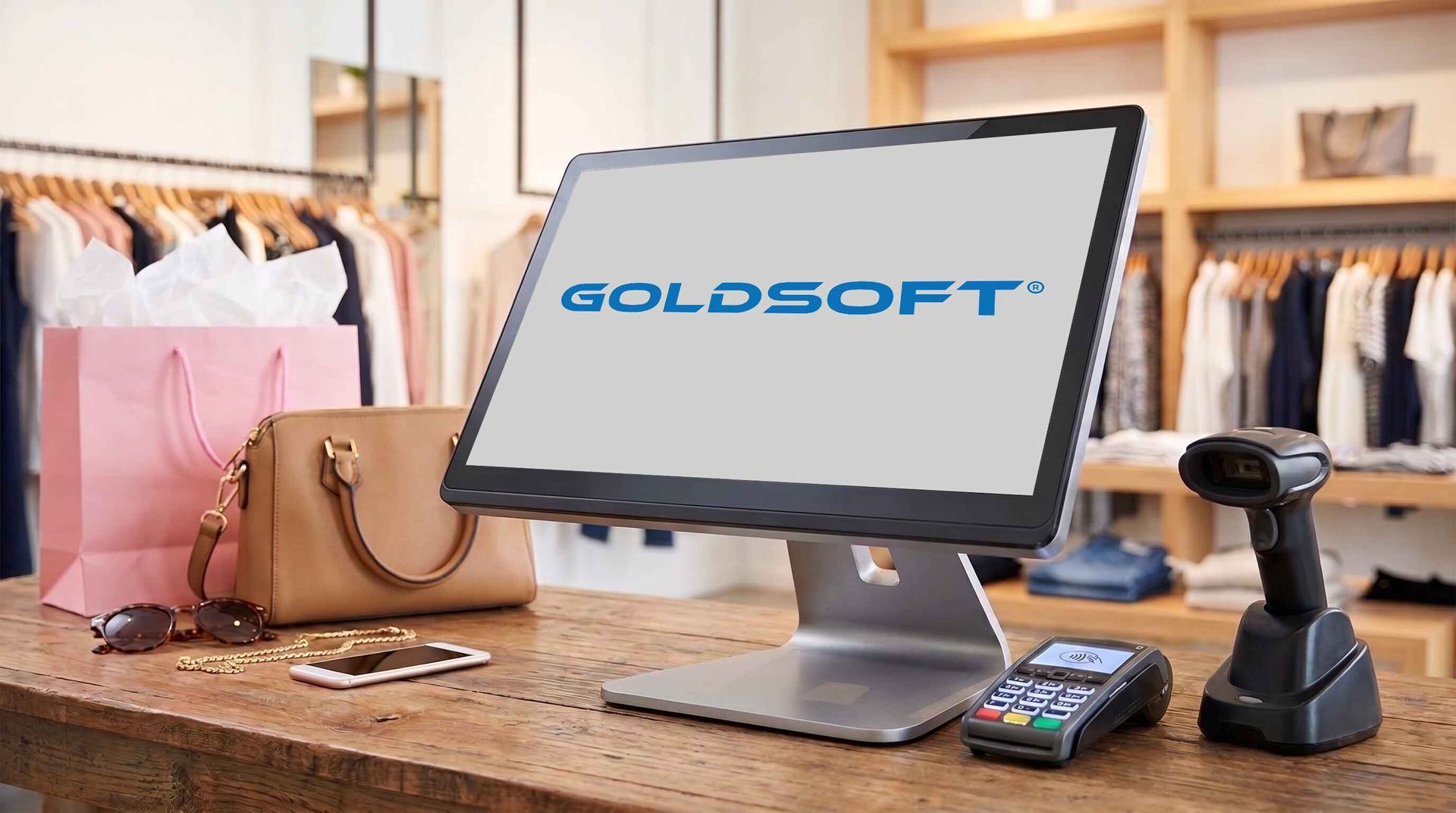
1. Terminal Architecture: Matching the System to Your Store Locations
Many software providers force retailers into a single deployment model, usually insisting that every terminal run entirely on the cloud. In reality, a retail chain often operates across varied physical environments, and your software should accommodate those differences.
There are three primary ways to deploy a retail terminal
- Online (Cloud-Based): The terminal processes transactions directly against a remote cloud server. This setup is lightweight, quick to roll out, and easy to monitor remotely. It works well for single-store setups, pop-ups, or multi-outlet retailers with consistently fast, stable internet connection.
- Offline (Local Processing): The terminal runs completely on a local database inside the store. It provides absolute checkout stability and zero latency, making it suitable for remote standalone outlets or sales counters where outside network connections are unreliable. The trade-off is that data remains isolated until batched out manually.
- Hybrid (Local Execution with Cloud Sync): This is the operational standard for multi-store retail chains. The register processes sales and scans barcodes locally on the terminal, ensuring checkout speed never slows down during network hiccups. Simultaneously, a background synchronization engine updates sales, stock movements, and customer records to the central cloud whenever a connection is active.
When evaluating vendors, look for providers that support all three models. A flexible architecture allows you to run hybrid registers in major mall branches while using lightweight online setups for temporary events, all connected to the same centralized database.
| Operational Capability | Offline (Standalone) | Online (Cloud) | Hybrid |
|---|---|---|---|
| Internet Requirement | None (Instant) | Require Continuous Active Internet | Periodic |
| Data Protection Against Local Hardware Failure | Local Backup Only | Cloud-Backed | Automatic Cloud Backup |
| Deployment Footprint | Dedicated Local Server | Lightweight | Flexible Terminal Setup |
| Best Operational Fit | Isolated counters, remote kiosks | Pop-ups, events, simple shops | Multi-store retail chains |
2. Multi-Branch Inventory and Stock Transfers
For high-SKU businesses, the most expensive mistake a retail system can make is keeping inventory data in silos.
If a customer at your outlet cannot find their size, your cashier should be able to check stock availability across other branches within seconds. If that visibility is missing, that customer walks out and buys from a competitor.
When evaluating a retail system, verify how it tracks product movement across your network:
- Does headquarters have a single, unified view of stock levels across all chain-store locations?
- Can store staff see accurate, real-time inventory balances without having to call other outlets or check manual spreadsheets?
- Does the system prevent phantom inventory so managers always know exactly where stock is sitting?
A proper retail system must give both store associates and head office purchasing teams an accurate view of where every unit is located across the entire branch network.
3. Centralized Promotions, Pricing, and Member Loyalty
Managing promotional campaigns across multiple branches quickly becomes chaotic if the point of sale software requires manual updates at every location.
For growing chains, repeat customers drive the majority of seasonal revenue, but promotions break down when customers shop across different locations.
When evaluating a multi-store platform, look at how the register unifies marketing rules and customer relationships:
- Automated Price and Promo Consistency: When headquarters adjusts a product's price or schedules a festive campaign, those rules should push to every store register automatically. System logic should calculate complex conditions at the scanner (such as bundle pricing or category discounts), eliminating manual calculation overrides that lead to margin leaks.
- Instant Customer Lookup: Cashiers should be able to search members in seconds, retrieving their tier status, purchase history, and reward balance right at the counter.
- Real-Time Points and Member Pricing: Points earned at one outlet should be available for redemption across your entire branch network immediately, preventing double-redemption loops. When a VIP customer is identified, the system should apply their exclusive discount tier automatically.
Unifying promotions and loyalty on a single platform keep checkout queues moving quickly while giving your marketing team accurate data on customer spending habits across your network.
4. Checkout Velocity, Integrated Payments, and E-Invoicing
Long queues at the register directly impact customer satisfaction. Delays at checkout usually stem from two bottlenecks: payment processing and tax compliance.
Eliminating Manual Double-Keying
In basic retail setups, cashiers often suffer from double-keying errors. The cashier enters RM125.00 on the register, and then must manually key RM125.00 into a separate bank card terminal or point the customer to a static payment QR stand. Typographical errors lead to end-of-day reconciliation discrepancies and cash shortages.
Look for a POS platform that natively connects to payment hardware:
- Pushing the exact transaction amount directly to credit card PIN pads.
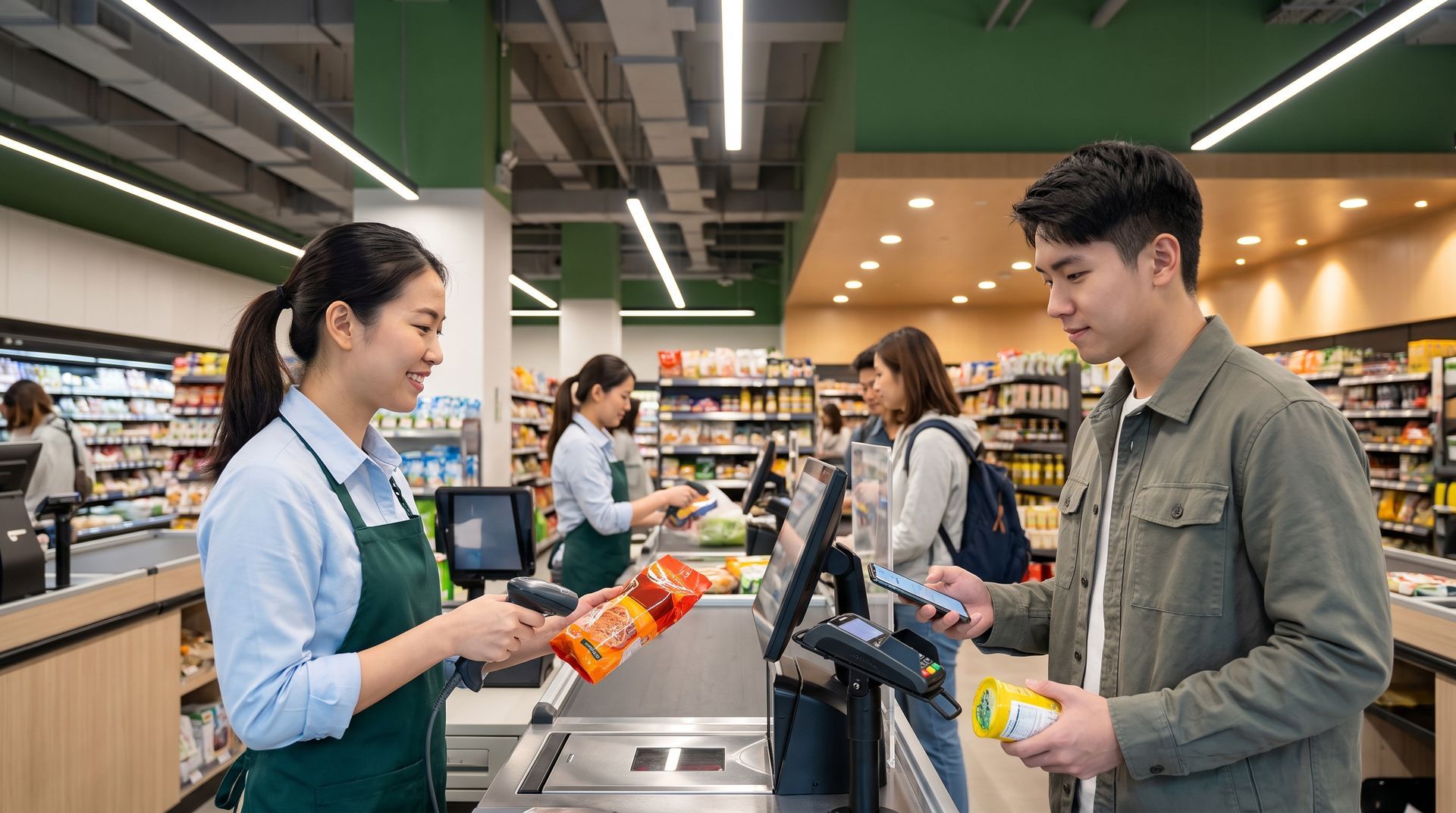
- Displaying dynamic e-wallet QR codes (such as DuitNow QR, Touch 'n Go, and ShopeePay) on customer-facing screens, automatically closing the sale upon payment confirmation.
Streamlining LHDN E-Invoicing
With Malaysia's mandatory e-Invoicing requirements, managing compliance without slowing down checkout speed is essential. Having cashiers manually collect buyer tax identification numbers (TIN) and key them in during a busy shopping hour creates severe queue bottlenecks.
A modern retail POS handles this through automated workflows:
- Dynamic Receipt QR Codes: The terminal prints a dynamic QR code directly on the transaction receipt. Customers requiring a validated e-invoice for personal tax relief or company claims simply scan the code on their mobile device to complete their details via a self-service portal.
- Automated Data Formatting: The system automatically assigns correct LHDN tax classification codes to products and formats transaction data in the background.
- Direct Ledger Transmission: Compliant transaction records are transmitted directly to IRBM (LHDN) platforms and central accounting ledgers without manual cashier intervention, keeping checkout lines moving while remaining fully compliant.

5. Back-Office Integration and Vendor Longevity
A point of sale terminal is only as good as the back-office engine supporting it.
If your cash registers do not communicate directly with your procurement, warehouse, and accounting ledgers, your administrative team will spend days exporting CSV files, cleaning up data mismatches, and re-entering numbers by hand. That manual administrative overhead drains profit margins and delays financial reporting.
Ask prospective vendors about their system's expansion path:
- Can the POS software feed transaction data directly into procurement planning, general ledgers, and inventory valuation?
- Can the system accommodate warehouse management (WMS), loyalty member applications, or RFID tracking as operations scale?
- How long has the vendor been operating in Malaysia?
Retail software markets see frequent turnover, with small app startups appearing and disappearing within a few years. Transitioning your entire retail chain to a new point of sale platform involves substantial time, staff retraining, and hardware investment. Partnering with an established vendor with a long regional track record ensures the software platform will continue to be maintained and supported over the long term.

Goldsoft System for Your Retail Chain
Goldsoft has been developing enterprise software systems for retail businesses across Malaysia since 1997.
Designed specifically for inventory-intensive retailers, including apparel brands, optical chains, home furnishings, and specialty retail, Goldsoft provides a comprehensive retail platform that bridges the gap between front-counter registers and back-office management.
- Hybrid, Online, and Offline Deployment: Goldsoft POS System provides true on-offline capability. Outlets maintain continuous transaction speed and barcode scanning regardless of network stability, while automatic background synchronization keeps head office data up to date.
- Unified Chain-Store Operations: Manage stock movements, track product movement, centralize promotional campaigns, and synchronize customer data across every outlet through one unified operational environment.
- Omnichannel and Payment Readiness: Seamlessly connect physical counter sales with online storefronts, integrated card terminals, dynamic e-wallet QR displays, and automated LHDN e-invoicing compliance workflows.
- Complete Enterprise Expansion: Because the POS functions as an integrated module within the broader Goldsoft ERP platform, your sales counters link directly with our inventory, consignment, procurement, and accounting modules. As your business grows, you can easily integrate dedicated warehouse logistics, loyalty member applications, and RFID tracking.
Review Your Retail Systems Setup
If your retail chain is opening new branches or outgrowing the limitations of disconnected POS systems, contact us at 03-2732 8833 or fill out the form below to discover how Goldsoft can help you map out a reliable operational setup for your retail business.
Contact Us
Share
Recent Articles